 Garment GopherShirt shop software: from first quote to money in the bankCall or text 563-210-0678
Reorder screen printed shirts. "Same as last year" is never quite the same.
The rec softball league calls on a Tuesday morning wanting "the same shirts as last year" for 40 players. Last year's invoice says 32 navy tees and nothing about sizes.
To reorder screen printed shirts without starting over, pull last year's job first: the blank, the size split, the art and the ink colors.
Then check what changed, and quote it as a new order at this year's quantity and prices.

One page per reorder: last year's order on top, what's changing below, the customer's yes at the bottom.
Free, no sign-up. On a phone, pick Print, then Save as PDF.
Fill it in while the customer is still on the phone, then clip it to the new job.
Pull last year's job before you call back
A reorder starts from what you printed, and the customer remembers less of it than you do. Find six things:
- The blank: brand, style number and color.
- The size split: how many of each size, not only the total.
- The art: the file name and where it's saved.
- The ink: each color by name or PMS number, plus each print location and width.
- The price: what they paid per piece, and the quantity it was based on.
- What went wrong: two short in large, a name added late, a back print they wanted bigger.
If the sizes aren't on the invoice, check last year's work order or packing slip.
Write them on the sheet once and you won't hunt for them again.
Check five things before you say "same as last year"
"Same as last year" usually means the same design on the same shirt. The rest can move:
- Quantity: the league went from 32 players to 40.
- Sizes: new players, kids who grew, a coach who left. Get a new size list every time.
- The blank: make sure the style still comes in that color and is in stock before you promise it.
- The art: a year, an event date, a sponsor or a name that was right last year.
- The price: blank costs move, and 40 pieces may land in a different price break than 32.
Quote the reorder at this year's numbers
Price it from this year's blank cost and this year's quantity.
The customer remembers $14 a shirt, so say the new price on the phone before they see it in writing.
A small reorder after a big first order costs more per shirt, because setup spreads over fewer pieces. Tell them that when you give the number.
Charge setup only for the screens you burn again
If you kept last year's screens and the art hasn't changed, there's nothing to burn. That's a fair place to drop the setup charge.
Changing the year means a new screen for that color.
In the example, the two front screens stay. One back screen gets burned with 2027, so charge for one screen, not three.
Reclaimed the screens after last year's run? Then it's a full setup again.
Write down which screens you kept, so next year you know before you quote.
Embroidery works the same way. The same stitch file needs no new digitizing.
Read last year's order back and get a new yes
Send the customer the order with the changes marked: 40 navy tees, two-color front, 2027 on the back, the new size list, the new price.
Get their approval before you order blanks. The estimate approval read-back covers what to say out loud.
Want to reach them before they call you? The reorder reminder texts are ready to copy.
For a booster club whose contact changes every year, the booster club account card keeps who to call next.
File this year's sheet with the new job
Cross out last year's numbers, keep this year's, and note what went wrong this time. Next year's reorder starts from one page.
To see every reorder coming in the next twelve months, put them on one yearly repeat customer list.
Where Garment Gopher fits
Garment Gopher keeps last year's job, so the reorder starts from it.
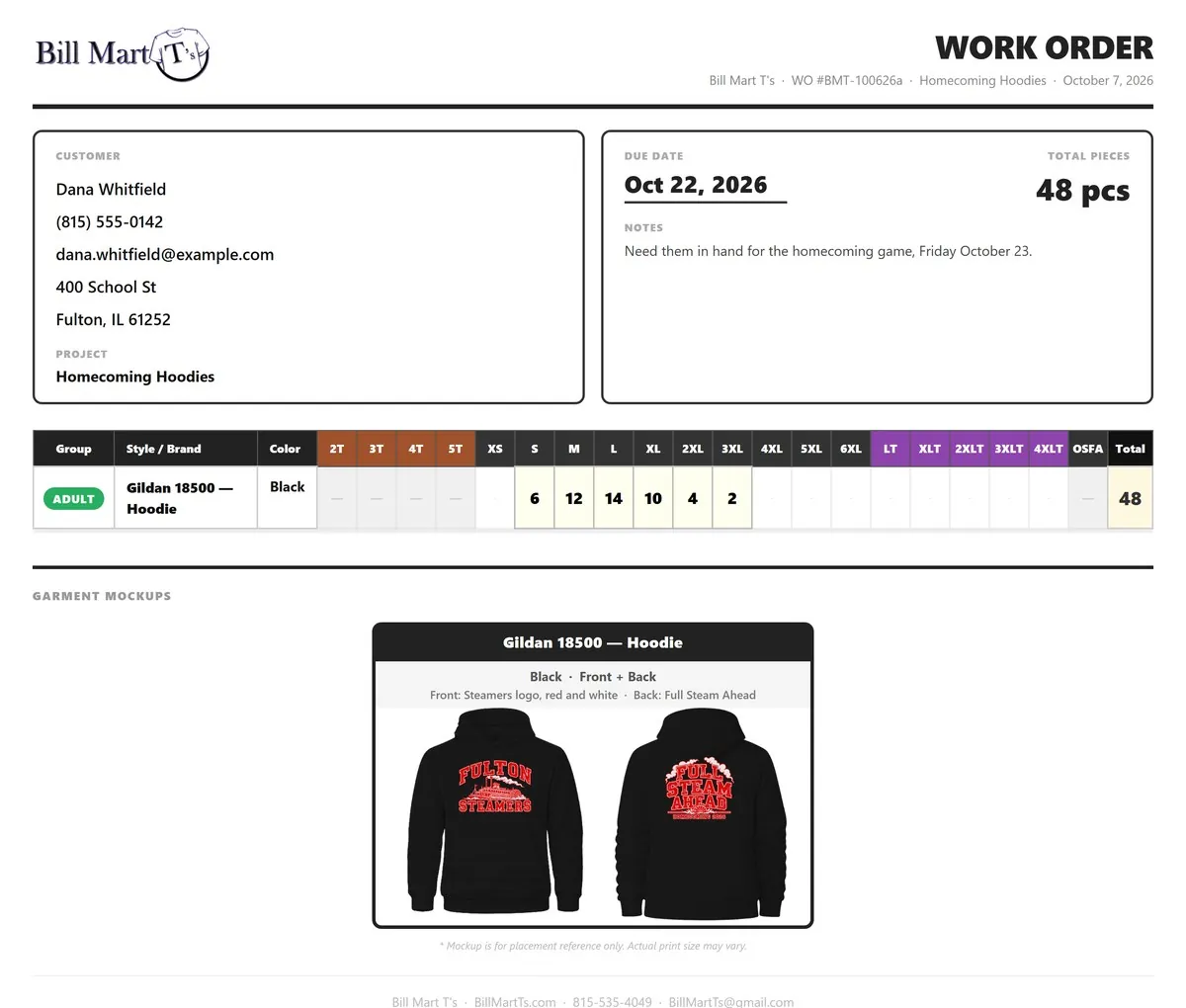
- Find it: search by customer, project, job number, email or phone. Open it to see the items, sizes, placements, art and notes.
- Get reminded: it comes back on Previous Job Outreach 6 weeks before the same date, 8 for team and school jobs.
- Quote it fresh: Start quote from last year makes a new quote at today's pricing. Screens on file price at your reorder rate.
- Get a new yes: the customer types their name to approve price and art. Change anything after, and they approve again.
Search and reminders work from the 500 most recently updated jobs. It's $79 a month for everybody in the shop, and the first 14 days are free with no card.
Start my free 14 days